archiveAug 15, 2020
Fixing Python locale errors in Docker Ubuntu
How to clear locale.Error: unsupported locale setting in an Ubuntu Docker container so pip install works again.
Fixing Python locale errors in Docker Ubuntu
Check the error
root@2d1e0b4d517a:/etc/default# cat /etc/issue
Ubuntu 16.04.7 LTS \n \lTraceback (most recent call last):
File "<stdin>", line 1, in <module>
File "/usr/lib/python3/namin.py", line 4112, in setlocale
return _setlocale(categories, locale)
locale.Error: unsupported locale settingOn some Ubuntu Docker images, pip install fails with locale.Error: unsupported locale setting. That usually means the container's locale config is incomplete.
Inspect locale state
$ locale
locale: Cannot set LC_CTYPE to default locale: No such file or directory
locale: Cannot set LC_ALL to default locale: No such file or directory
LANG=en_US.UTF-8
LANGUAGE=
LC_CTYPE=UTF-8
LC_NUMERIC="en_US.UTF-8"
LC_TIME="en_US.UTF-8"
LC_COLLATE="en_US.UTF-8"
LC_MONETARY="en_US.UTF-8"
LC_MESSAGES="en_US.UTF-8"
LC_PAPER="en_US.UTF-8"
LC_NAME="en_US.UTF-8"
LC_ADDRESS="en_US.UTF-8"
LC_TELEPHONE="en_US.UTF-8"
LC_MEASUREMENT="en_US.UTF-8"
LC_IDENTIFICATION="en_US.UTF-8"
LC_ALL=

$ locale -a
locale: Cannot set LC_CTYPE to default locale: No such file or directory
C
C.UTF-8
en_US.utf8
POSIX
If locale -a complains that files are missing, set the environment up first:
/usr/sbin/dpkg-reconfigure: locales is not installed

# echo "LC_ALL=en_US.UTF-8" | tee -a /etc/environment
LC_ALL=en_US.UTF-8

# echo "en_US.UTF-8 UTF-8" | tee -a /etc/locale.gen
en_US.UTF-8 UTF-8

# echo "LANG=en_US.UTF-8" | tee -a /etc/locale.conf
LANG=en_US.UTF-8
Reconfigure locales
# dpkg-reconfigure locales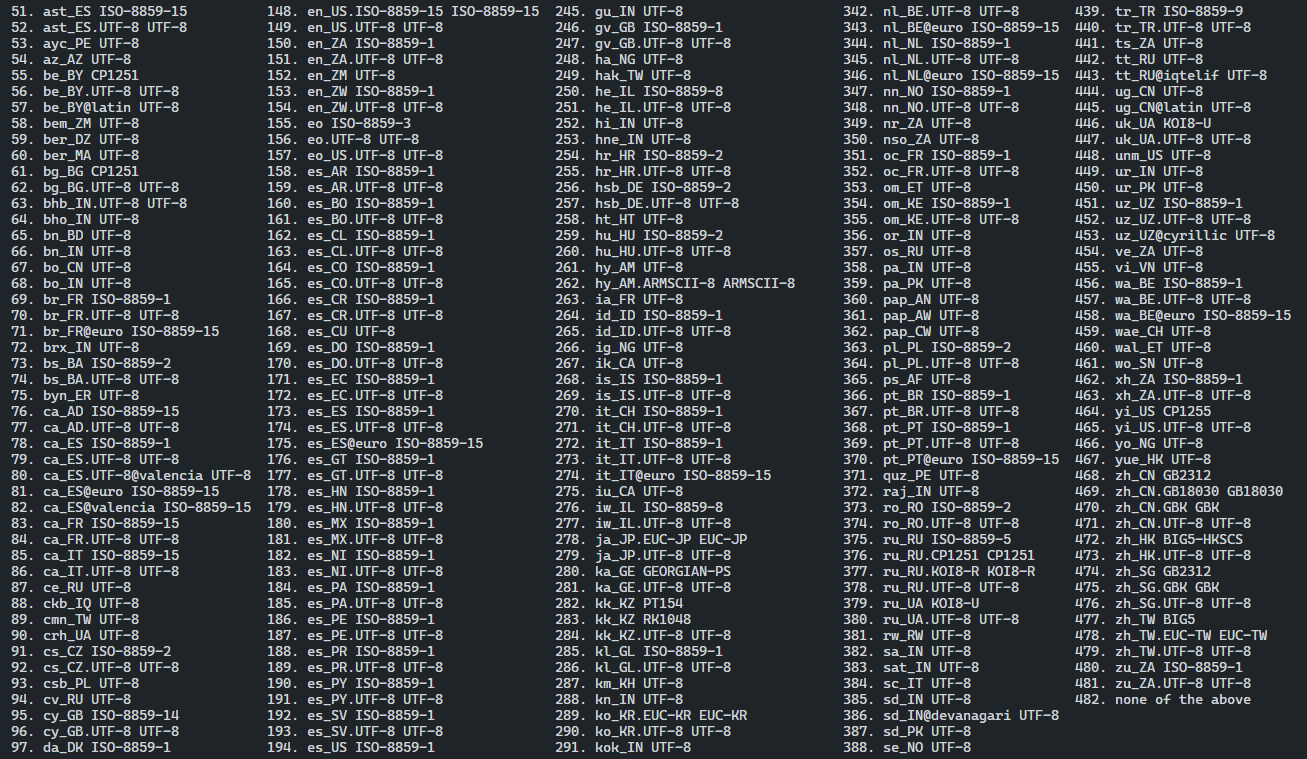
Select en_US.UTF-8 UTF-8, then set the default to en_US.UTF-8.
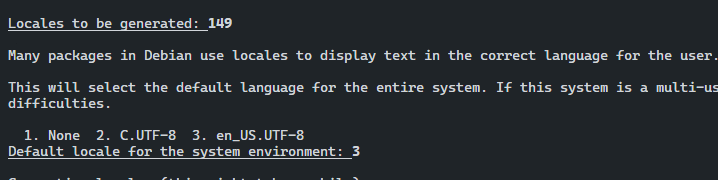
After that, pip install should work again.