archiveApr 1, 2021
Hyper-V Ubuntu 20.04 Full-Screen Fix
Set Ubuntu 20.04 on Hyper-V to 1920x1080 by editing GRUB's hyperv_fb mode, updating grub, and rebooting.
Ubuntu 20.04 on Windows Hyper-V
After enabling the Hyper-V feature
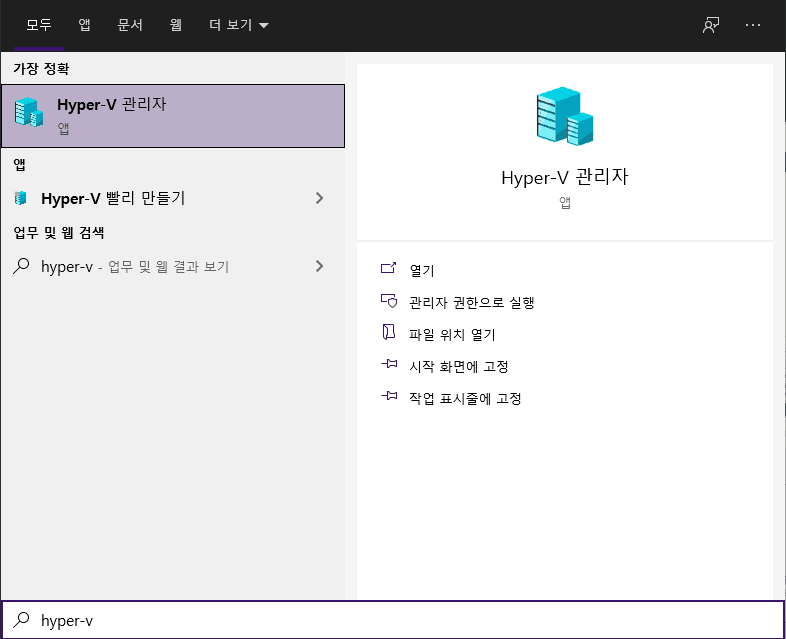
Hyper-V Manager
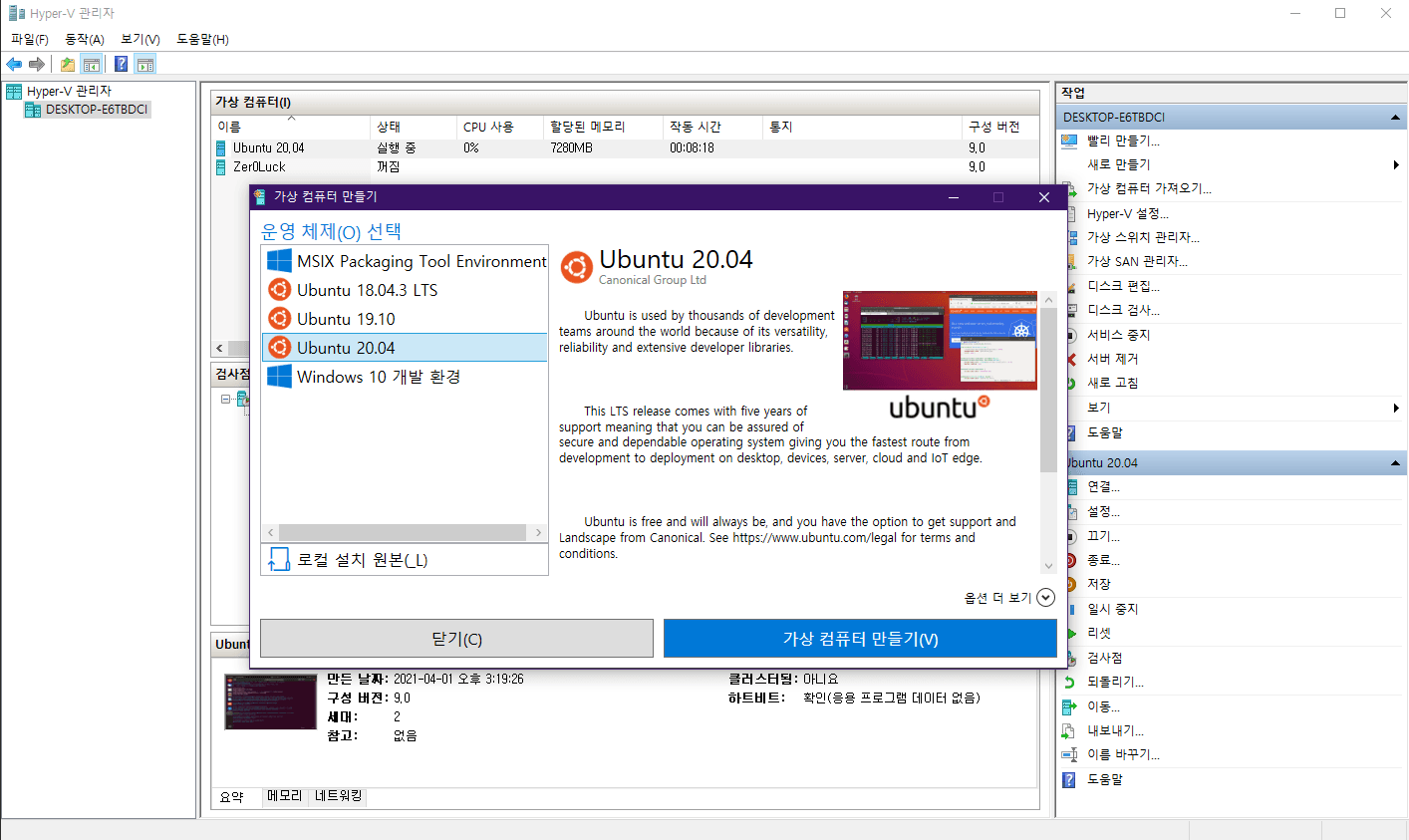
- In Hyper-V Manager, choose Quick Create to open the new VM wizard.
- Select Ubuntu 20.04, create the VM, and wait for setup to finish.
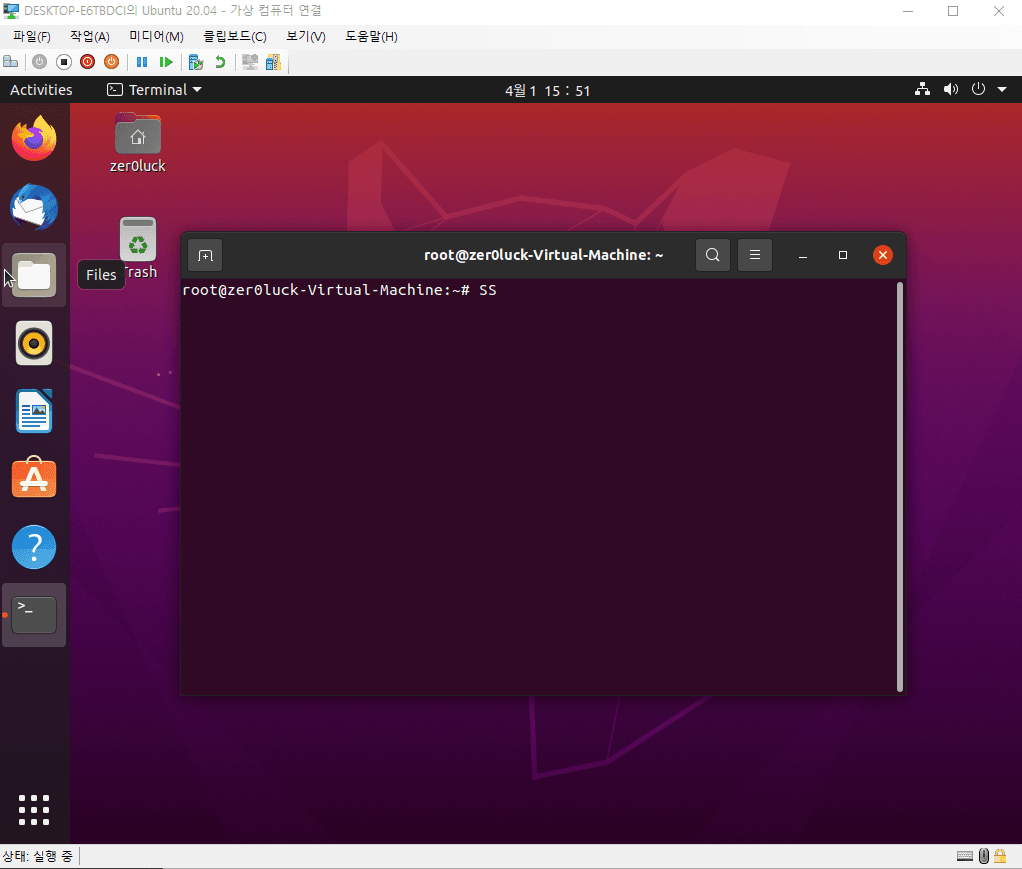
- Once install completes, Ubuntu boots.
Full-screen setup for the Ubuntu VM
vim /etc/default/grub- Edit the GRUB config.
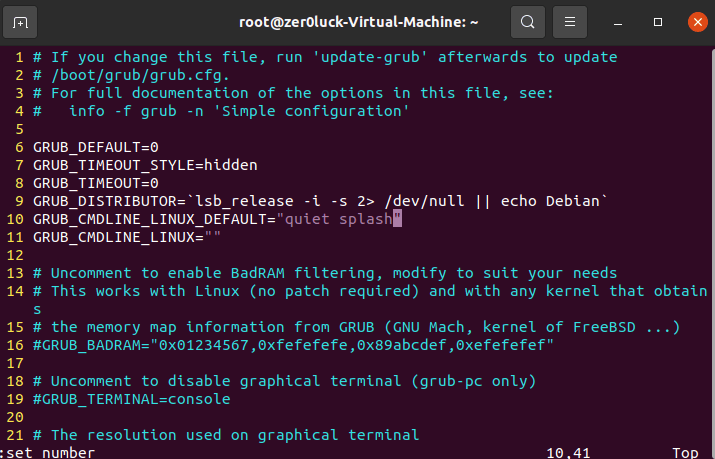
- Update line 10:
GRUB_CMDLINE_LINUX_DEFAULT="quiet splash video=hyperv_fb:1920x1080
- Save the change, then run the update command.
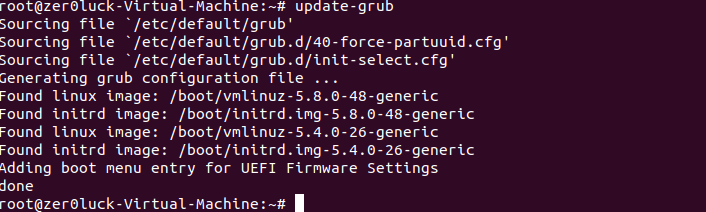
init 6- Reboot.
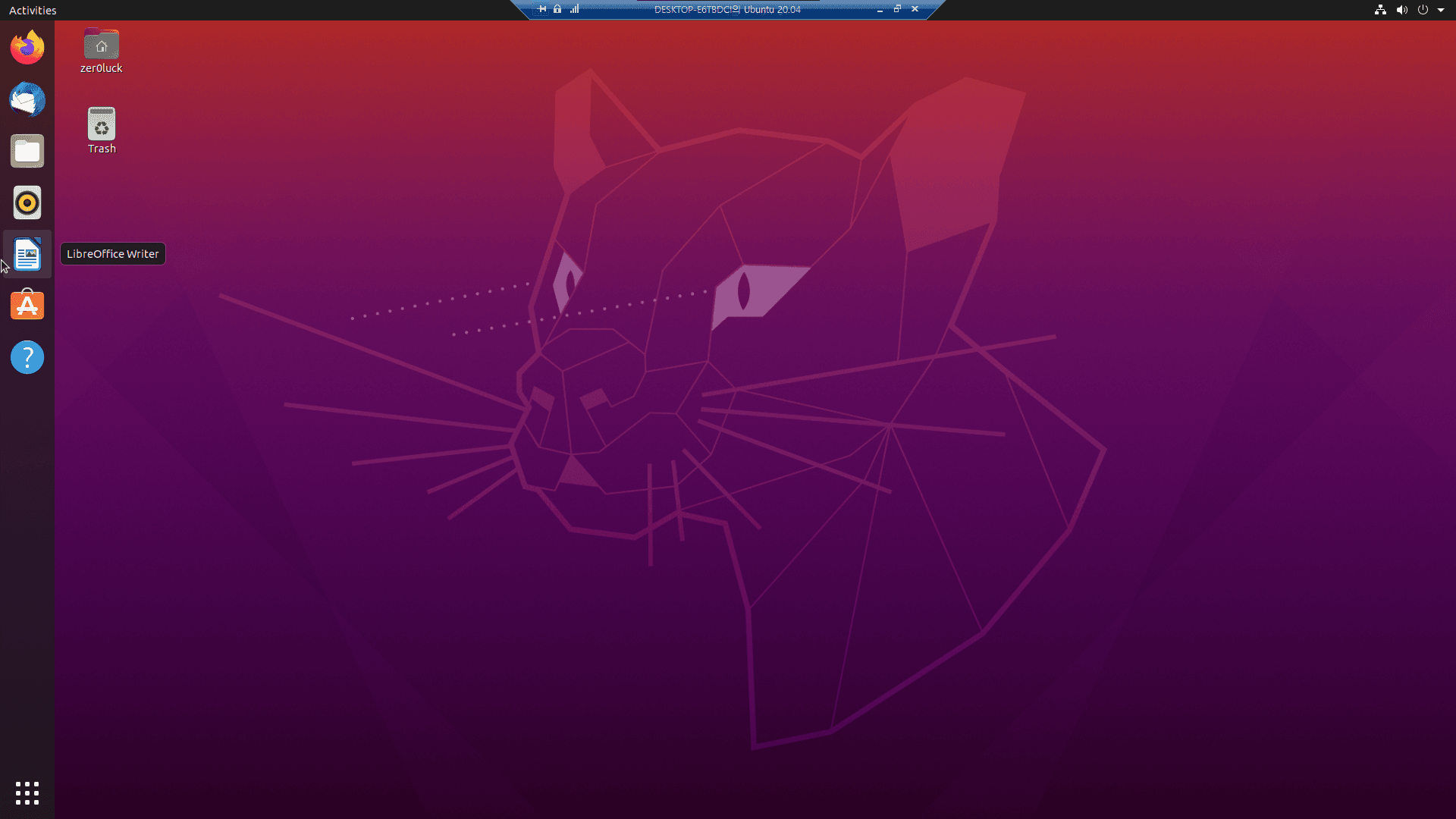
Full screen working