archiveDec 20, 2020
Windows GUI binary fuzzer (dumb fuzzing)
Notes on a PyQt dumb fuzzer for Windows PE binaries: install path for PaiMei/pydbg on Python 2.7, CLI flags, and GUI blueprint screenshots.
Windows GUI binary fuzzer
Fuzzing feeds invalid, unexpected, or random inputs into a program and watches for crashes, failed assertions, or memory leaks. Useful fuzzers produce inputs that are valid enough to pass the parser, then invalid enough to hit unhandled corner cases deeper in the code.
For security work, inputs that cross a trust boundary matter most. Fuzzing a file-upload path open to any user usually beats fuzzing a config parser only a privileged admin can reach.
Reference: Wikipedia — Fuzzing
Goals for this tool
- Fuzz Windows PE binaries
- Dumb (mutation) fuzzing
- Customizable test cases
- PyQt GUI
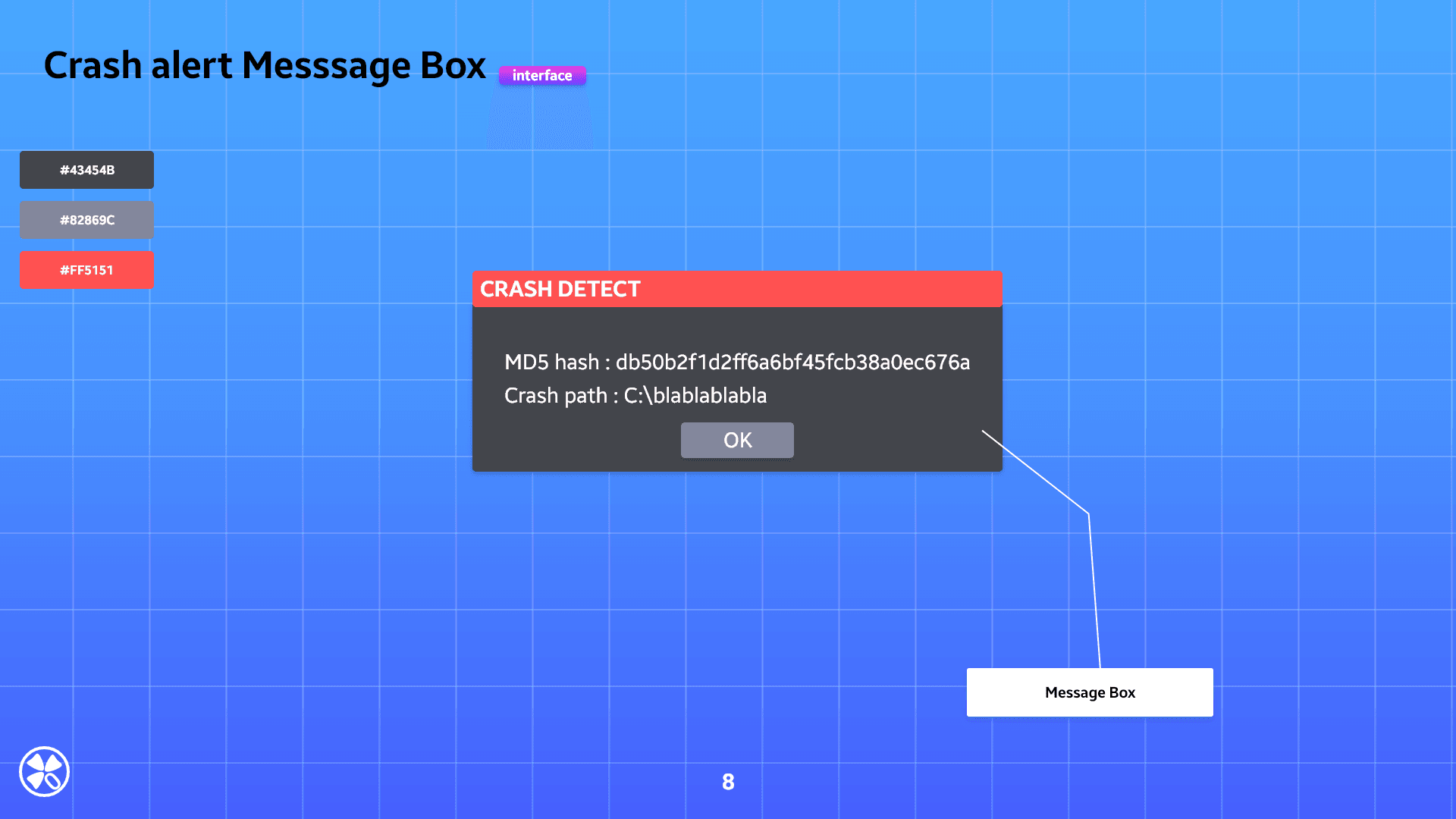
- Message-box alert when a crash is detected
Required installation
######################################################################
#  This file should be kept compatible with Python 2.3, see PEP 291. #
######################################################################
"""create and manipulate C data types in Python"""

import os as _os, sys as _sys

__version__ = "1.1.0"

from _ctypes import Union, Structure, Array
from _ctypes import _Pointer
from _ctypes import CFuncPtr as _CFuncPtr
from _ctypes import __version__ as _ctypes_version
from _ctypes import RTLD_LOCAL, RTLD_GLOBAL
from _ctypes import ArgumentError

from _ctypes import Structure as _ctypesStructure       # Add for Paimei
from struct import calcsize as _calcsize
class Structure (_ctypesStructure): pass                # Add for Paimei

if __version__ != _ctypes_version:
    raise Exception("Version number mismatch", __version__, _ctypes_version)
For Python 2.7.x compatibility, edit C:\Python27\Lib\ctypes\__init__.py (add the Paimei Structure lines shown above). Then download the rebuilt pydasm.pyd for 2.7.x and copy it into C:\Python27\Lib\site-packages\pydbg, overwriting any existing file.
pydasm smoke test
import pydbg
print "Hello, pydbg!"
If that imports cleanly, the debugger stack is ready.
CLI options
-t, --target : Binary to fuzz
-s, --sample : Sample folder name (Test Case file)
-h, --help : help
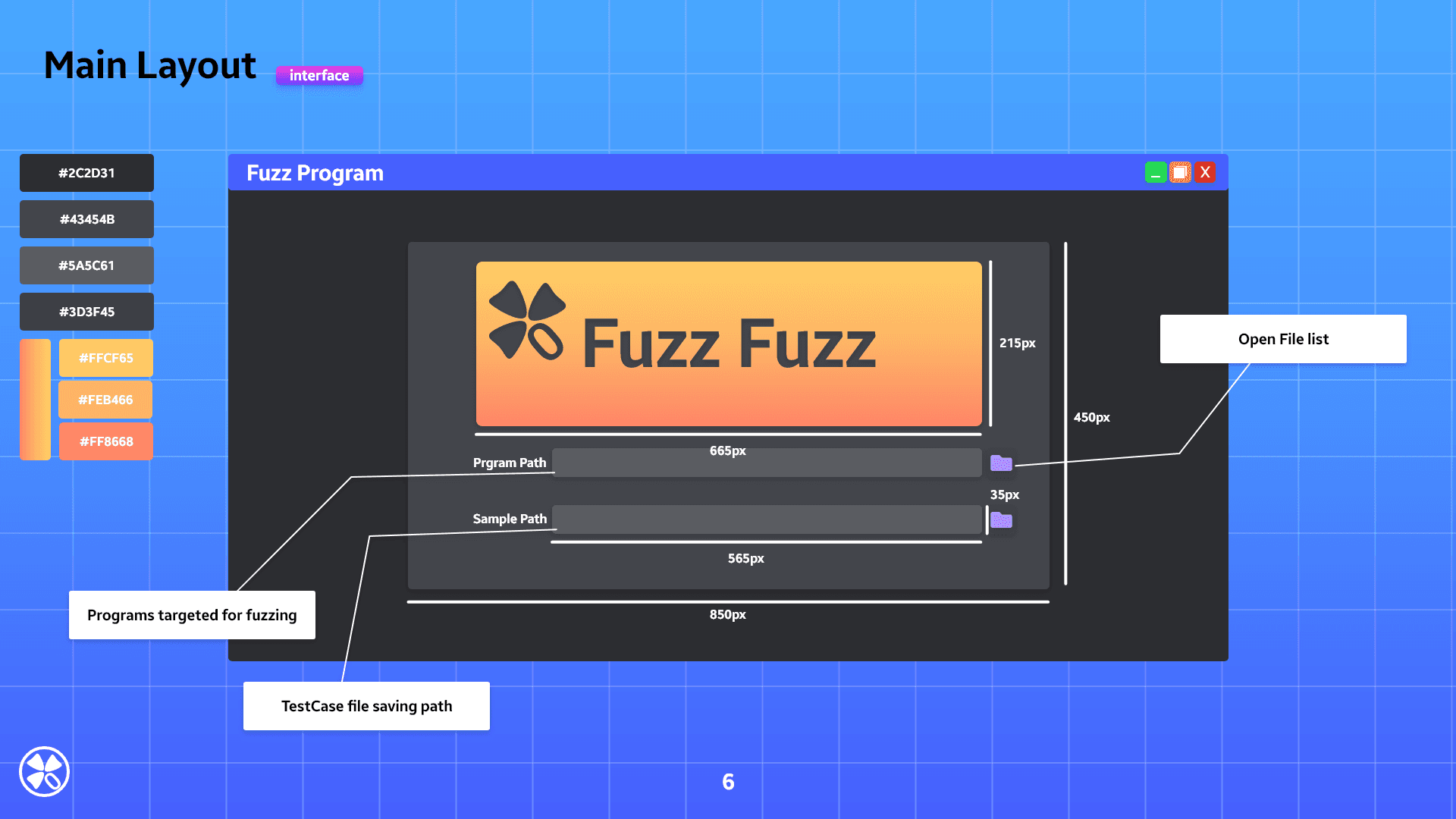
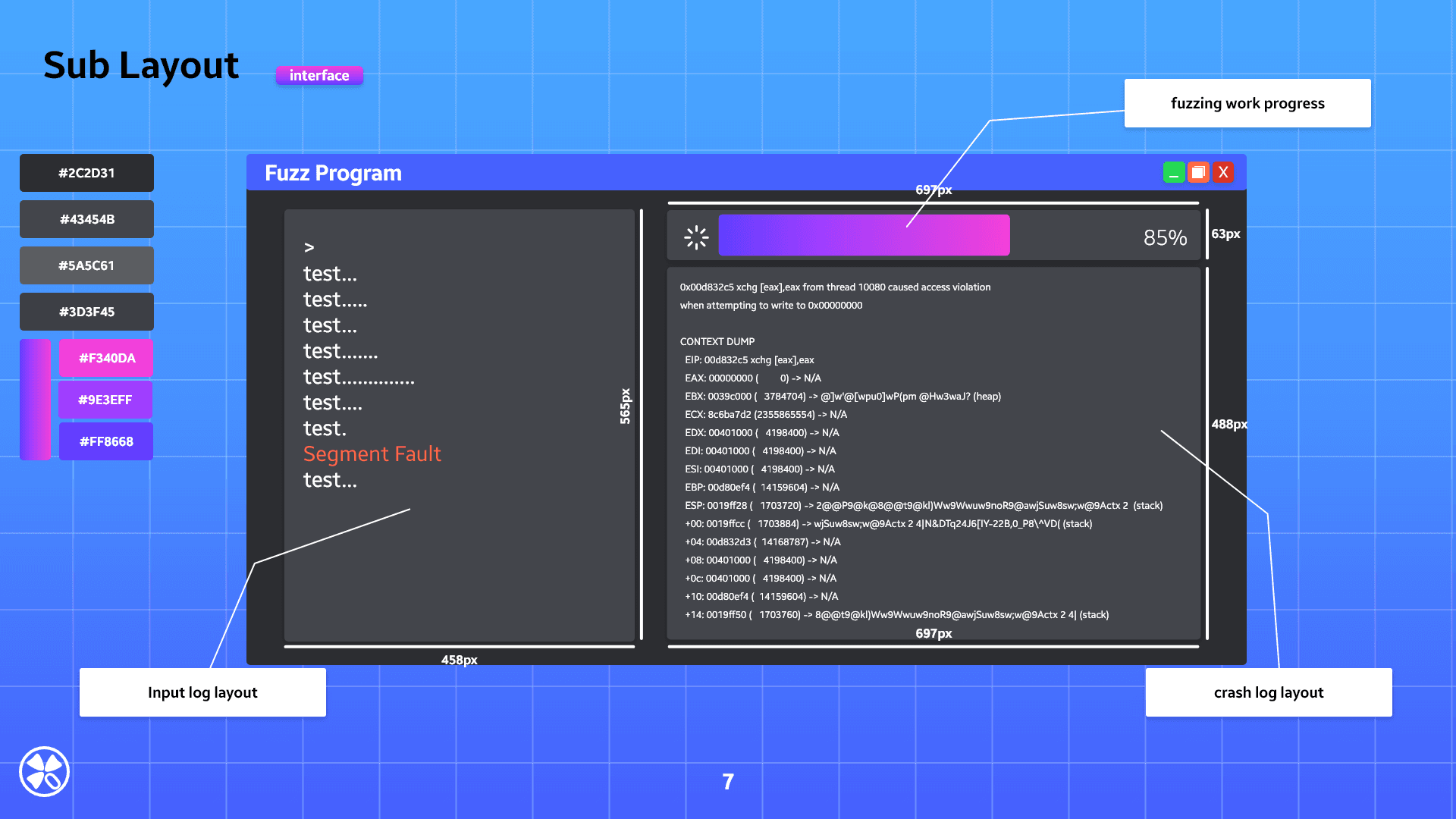
GUI blueprint